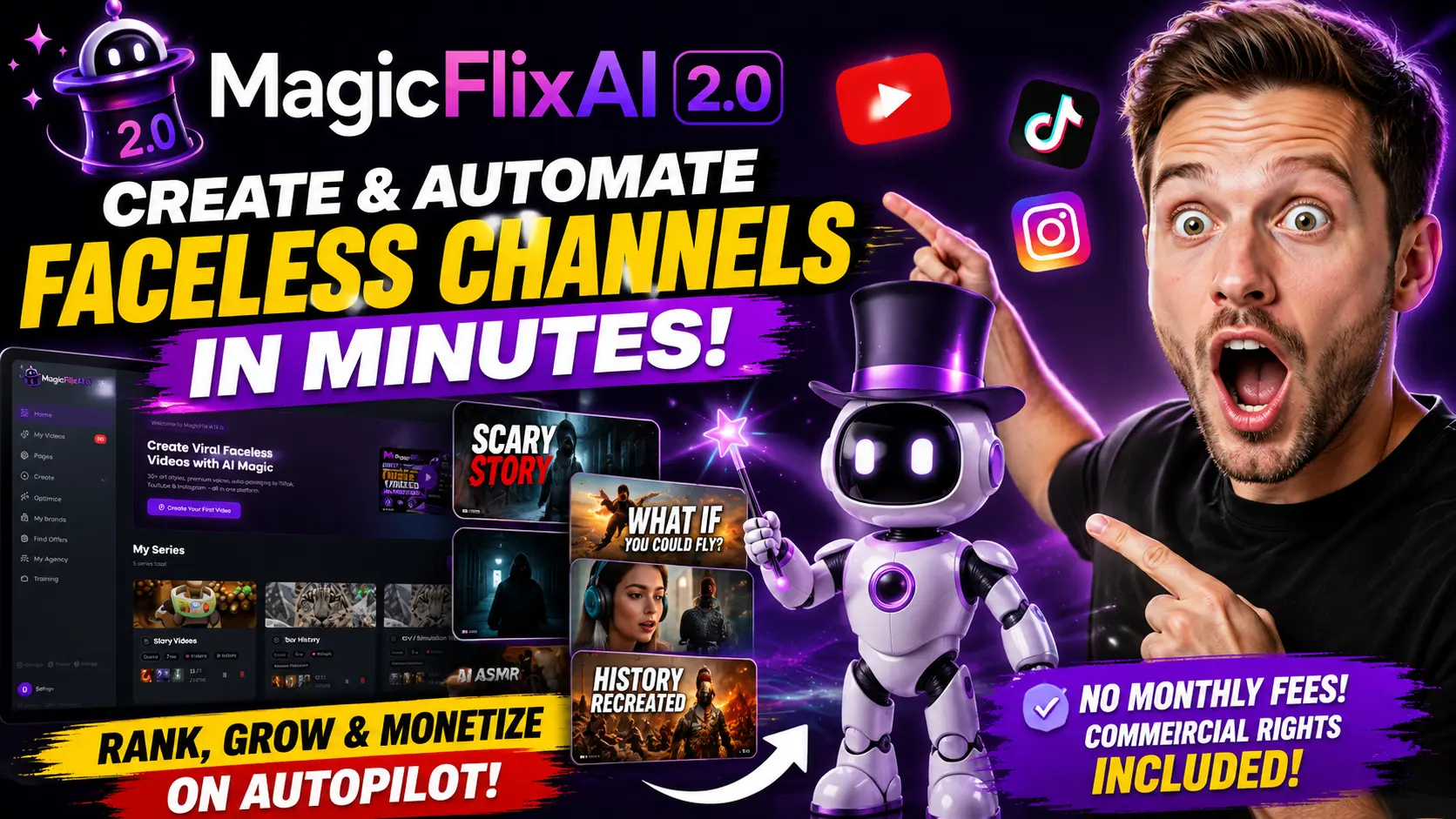
MagicFlix AI 2.0 Review 2026 – Can It Really Simplify Faceless Content Creation?
Introdcution
If you’ve ever tried building a faceless YouTube channel, TikTok account, or Instagram content series from scratch, you already know the grind. It’s not just about hitting record. You need an idea, then research to make sure the idea is actually worth making a video about. Then a script. Then a voiceover. Then visuals that match the story. Then editing to stitch it all together. Then a thumbnail that actually gets clicked. Then a title and description that help people (and the platform’s algorithm) understand what your video is about. And then you have to do it again tomorrow, and the day after that, if you want the channel to grow.
That’s a lot of moving parts for one person to juggle, especially if you’re doing this alongside a job or other responsibilities. It’s also why so many faceless channels stall out after a handful of videos — not because the creator lacks ideas, but because the production workload becomes unsustainable.
This is the gap that MagicFlix AI 2.0 is positioned to fill. It’s a platform built around bringing several of these separate tasks — scripting, voiceover, visuals, editing, thumbnails, and publishing — into one place, rather than requiring you to stitch together five or six different tools.
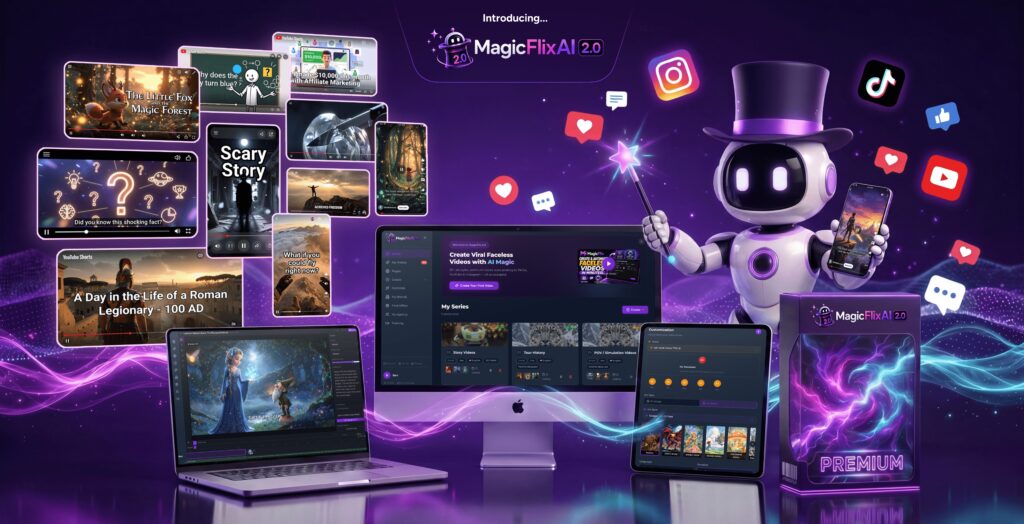
In this MagicFlix AI 2.0 review, we’ll walk through what the platform actually does, how the workflow is structured, what to expect from the AI-generated output, its pricing approach, and who is likely to get real value out of it versus who might be better served by a different setup. The goal here isn’t to hype the tool up or tell you it will make you rich — it’s to give you enough detail to make an informed decision.
What Is MagicFlix AI 2.0?
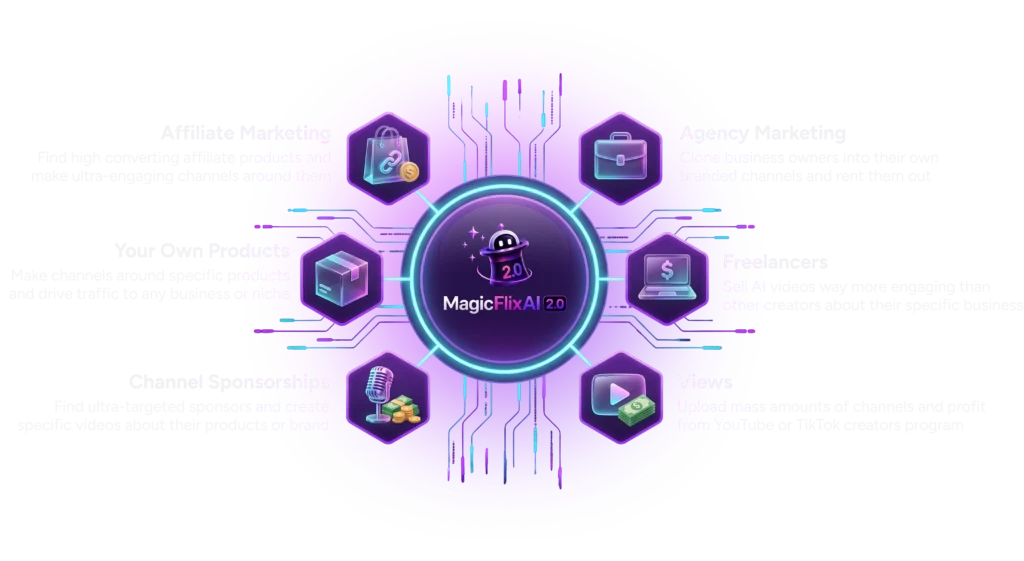
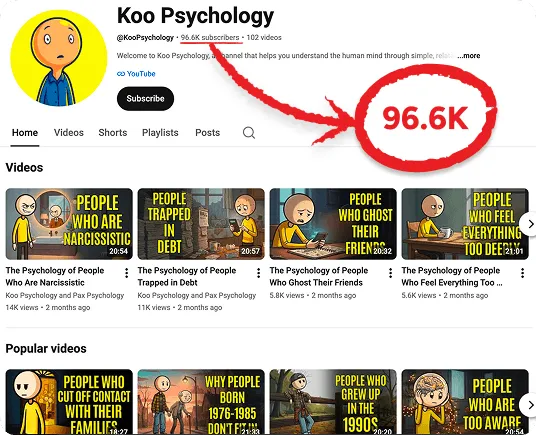
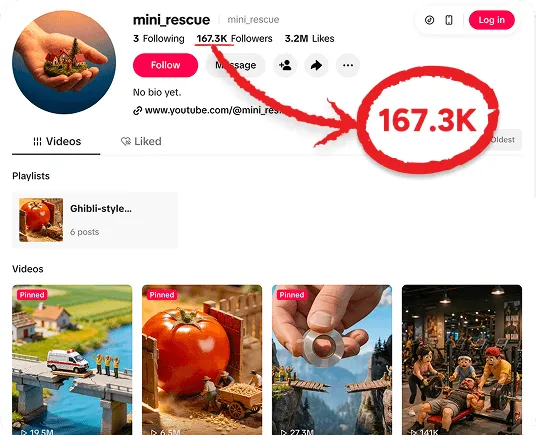
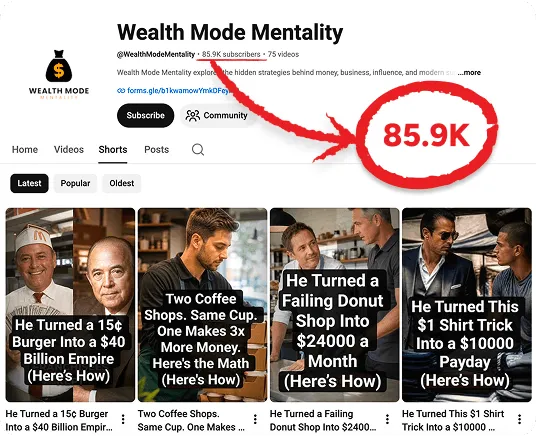
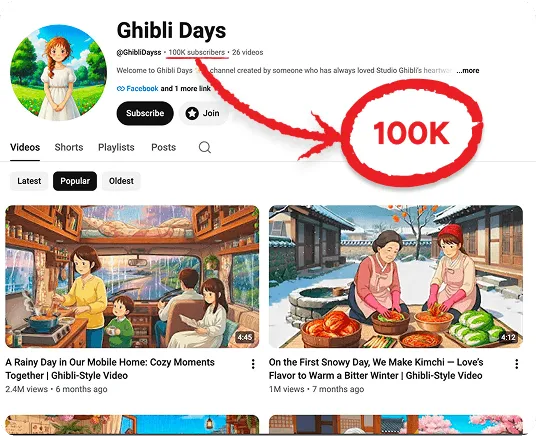
MagicFlix AI 2.0 is an AI-assisted video creation platform built specifically around faceless content — meaning videos that don’t require you to appear on camera. Instead of filming yourself, the content relies on a combination of AI-generated visuals or stock-style footage, AI voiceovers, and written scripts to tell a story, explain a topic, or promote a product.
The platform is aimed at people who want to build a content channel without needing on-camera presence, professional recording equipment, or traditional video editing skills. That includes beginners exploring content creation for the first time, as well as more experienced YouTube, TikTok, and Instagram creators who want to reduce the manual workload involved in producing videos regularly.
At its core, MagicFlix AI 2.0 is trying to compress the AI video creation process — idea, script, voice, visuals, editing, and publishing — into a single connected workflow instead of a scattered one. Whether it fully replaces a multi-tool setup depends on how deep your production needs go, which we’ll get into below.
How MagicFlix AI Works
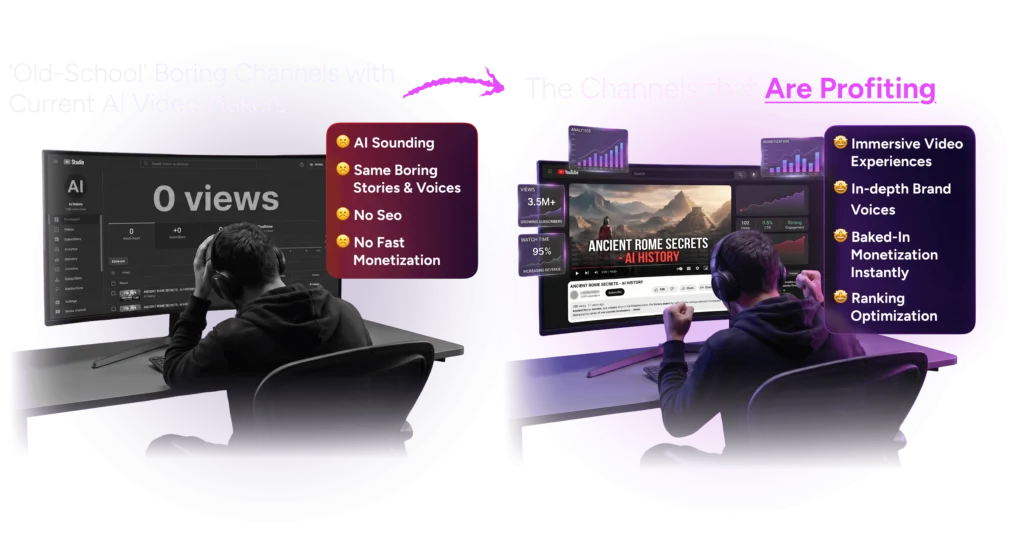
The general workflow follows a fairly intuitive path:
- Idea/Topic Selection – You choose or generate a content idea, either from a preset theme (like trivia, story videos, or educational content) or by describing your own concept.
- Script Generation – The platform generates a script or story outline based on the topic you’ve selected.
- Voice Selection – You choose an AI voice to narrate the script.
- Visual Selection – Visuals (AI-generated images, video clips, or a mix) are matched to the script.
- Video Assembly – The visuals, voiceover, and any subtitles or effects are combined into a video.
- Thumbnail Creation – A thumbnail is generated to represent the video.
- SEO/Metadata – Titles, descriptions, and hashtags are suggested to help with discoverability.
- Publishing – The finished video can be scheduled or published to connected platforms.
It’s worth being clear here: while the platform is designed to move you through each of these stages without needing separate software, that doesn’t mean every step is fully hands-off by default. Depending on how much customization you want, you can let automation carry more of the process, or step in manually at any stage — reviewing the script, adjusting the voice, swapping visuals, or tweaking the final cut before it goes live.
My First Look at the Platform
At first glance, the dashboard is organized around the same idea → script → voice → visuals → publish flow described above, which makes the overall structure easy to follow even if you’ve never touched an AI video tool before.
The general workflow appears designed to reduce the number of decisions a beginner has to make upfront. Rather than opening a blank editing timeline and wondering where to start, you’re guided into picking a theme or describing a concept, and the platform builds outward from there.
One thing that stands out is how the different functions — scripting, voice, visuals, and publishing — are presented as steps in a single sequence rather than as separate disconnected tools you have to learn independently. That’s a meaningful difference from the typical “AI video creation” experience, where you might use one app for the script, another for the voiceover, and a third for editing.
That said, the platform involves a genuine learning curve, especially in the more advanced modes (like automation and agent-based channel building). Beginners who prefer to start simple and manually build a single video before jumping into full automation will likely have an easier ramp-up than someone diving straight into hands-off, multi-channel automation.
Creating a Faceless Video
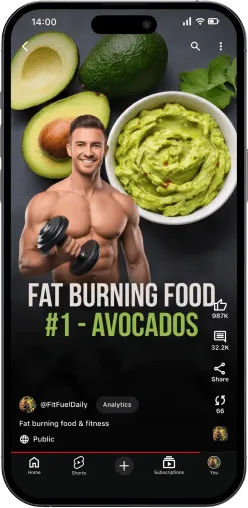
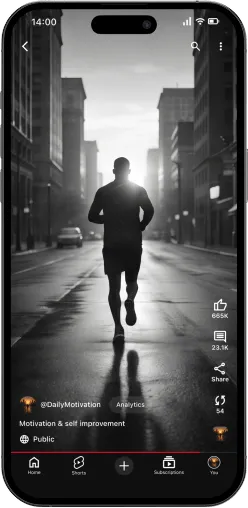
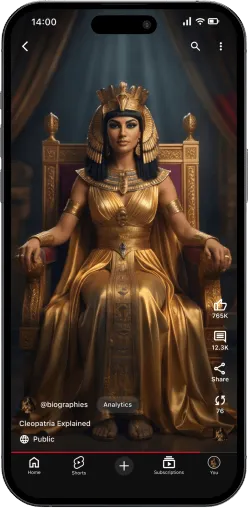
Faceless video creation, at its core, means telling a story or delivering information without a host appearing on camera. This approach has become popular for a few practical reasons: it removes the need for filming setup, it allows creators who are camera-shy or privacy-conscious to still build a channel, and it lets one person produce more content in less time than traditional filmed videos typically allow.
With MagicFlix AI 2.0, the faceless video creation process generally involves:
- Selecting a topic or niche
- Letting the AI generate a script or outline based on that topic
- Choosing visuals (AI-generated images or video clips) to accompany the narration
- Selecting a voice to read the script
- Reviewing and editing the assembled draft
- Finalizing the video for publishing
As an AI faceless video creator, the platform is trying to lower the barrier to entry for people who have content ideas but lack the production skills, equipment, or on-camera confidence to execute them the traditional way. It won’t replace genuine creative judgment, though — you’ll still want to review the output and make sure it actually represents the tone and quality you want your channel associated with.
AI Script and Story Creation
Scripting is arguably the most important part of any video, faceless or not. A weak script leads to weak retention no matter how good the visuals or voice are. MagicFlix AI 2.0’s scripting feature is designed to generate topic ideas, story structures, and full scripts based on your chosen theme or a custom concept you describe.
Good scripts typically need a hook in the first few seconds, a clear structure that keeps the story or explanation moving, and pacing that keeps viewers watching instead of scrolling away. AI-generated scripts can give you a strong starting draft for all of this, but they shouldn’t be treated as a finished product you publish without review. Reading through the script, tightening the hook, and adjusting pacing where it drags will almost always improve the final result.
It’s also worth setting expectations here: AI-generated scripts are not a guarantee of viral content. No script generator — from MagicFlix AI or any competitor — can promise that outcome, because virality depends on far more than writing quality, including timing, platform trends, and audience behavior.
Voiceovers and Visuals



Once the script is ready, the platform pairs it with an AI voiceover and matching visuals. The voice options are meant to sound natural rather than robotic, which matters a lot for faceless content — a stiff, obviously synthetic voice is one of the fastest ways to lose viewer trust and attention.
On the visual side, you’re typically choosing between AI-generated images, stock-style video clips, or a mix of both, depending on the theme of your video. Visual variety and pacing matter here too — visuals that stay static for too long, or that don’t match what’s being said, tend to hurt retention even if the script and voice are solid.
The benefit of having both of these built into one platform is that you don’t need to separately license stock footage, source a text-to-speech tool, and manually sync everything together. The trade-off is that AI-generated visuals and voices, while improving steadily, can still occasionally produce results that need a second look — an image that doesn’t quite match the scene, or a voice reading that needs re-generating for better emphasis.
Video Editing Features
Beyond automatic assembly, MagicFlix AI 2.0 includes editing controls for combining scenes, arranging visuals in the right order, syncing voiceover timing, and adding transitions or effects. This is useful because it means you’re not forced to export your project into a separate editor just to fix small issues — like a scene that runs too long or a transition that feels abrupt.
For anyone used to juggling multiple applications (a script tool, a voice tool, a stock footage library, and a separate video editor), having these editing functions built into the same platform can meaningfully cut down on the back-and-forth. It won’t offer the depth of a dedicated professional editing suite like Premiere Pro or DaVinci Resolve, but for the purpose of faceless content production, that level of depth usually isn’t necessary anyway.
AI Thumbnails
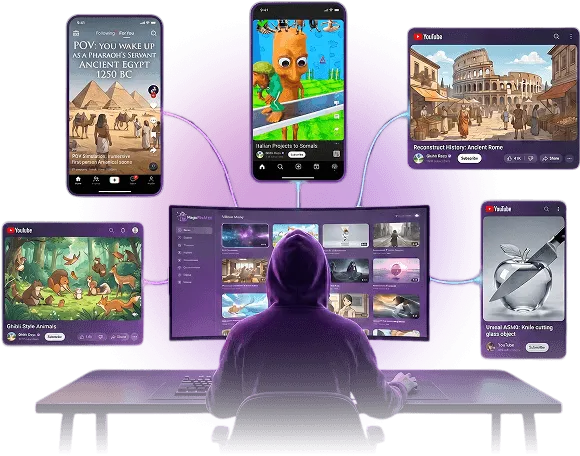
Thumbnails matter more than most beginners expect. On platforms like YouTube, the thumbnail (alongside the title) is often the single biggest factor in whether someone clicks your video at all — no matter how good the content inside is.
MagicFlix AI 2.0 includes AI thumbnail generation intended to produce visuals that match your video’s topic and grab attention in a crowded feed. That said, it’s important to be realistic: no AI thumbnail generator can promise a higher click-through rate automatically. Thumbnail performance depends on your niche, your audience, and ongoing testing. Treat the AI-generated thumbnail as a strong starting point, then review it against similar successful videos in your niche and adjust as needed.
SEO and Keyword Features
Discoverability is one of the trickier parts of running any content channel, and this is an area where MagicFlix AI 2.0’s built-in tools aim to help. According to the platform’s features, it can suggest keywords, generate titles and descriptions, and recommend hashtags based on your content and niche.
For creators who don’t have a background in SEO, these tools can shortcut some of the topic and keyword research that would otherwise take real time to learn. In this MagicFlix AI review, it’s important to be clear that no keyword or title tool — including this one — can guarantee rankings, views, or viral reach. Search and recommendation algorithms weigh dozens of factors beyond title and tags, including watch time, engagement, and how a video performs against similar content. These tools can improve your starting position, but they can’t override how your content actually performs once it’s live.
Social Media Publishing
Consistency is one of the most repeated pieces of advice in content creation, and for good reason — irregular posting makes it harder for both algorithms and audiences to build familiarity with a channel. MagicFlix AI 2.0 includes scheduling and publishing tools aimed at platforms like YouTube, TikTok, and Instagram, which can help creators maintain a steady posting rhythm without manually uploading every video.
That said, scheduling tools solve the consistency problem, not the content-quality or platform-fit problem. Each platform has its own audience behavior, content format expectations, and algorithm quirks. A video built for YouTube long-form won’t necessarily work as a TikTok short without adjustment, and vice versa. Reach and engagement still depend heavily on how well your content fits the platform it’s published to.
Monetization Features
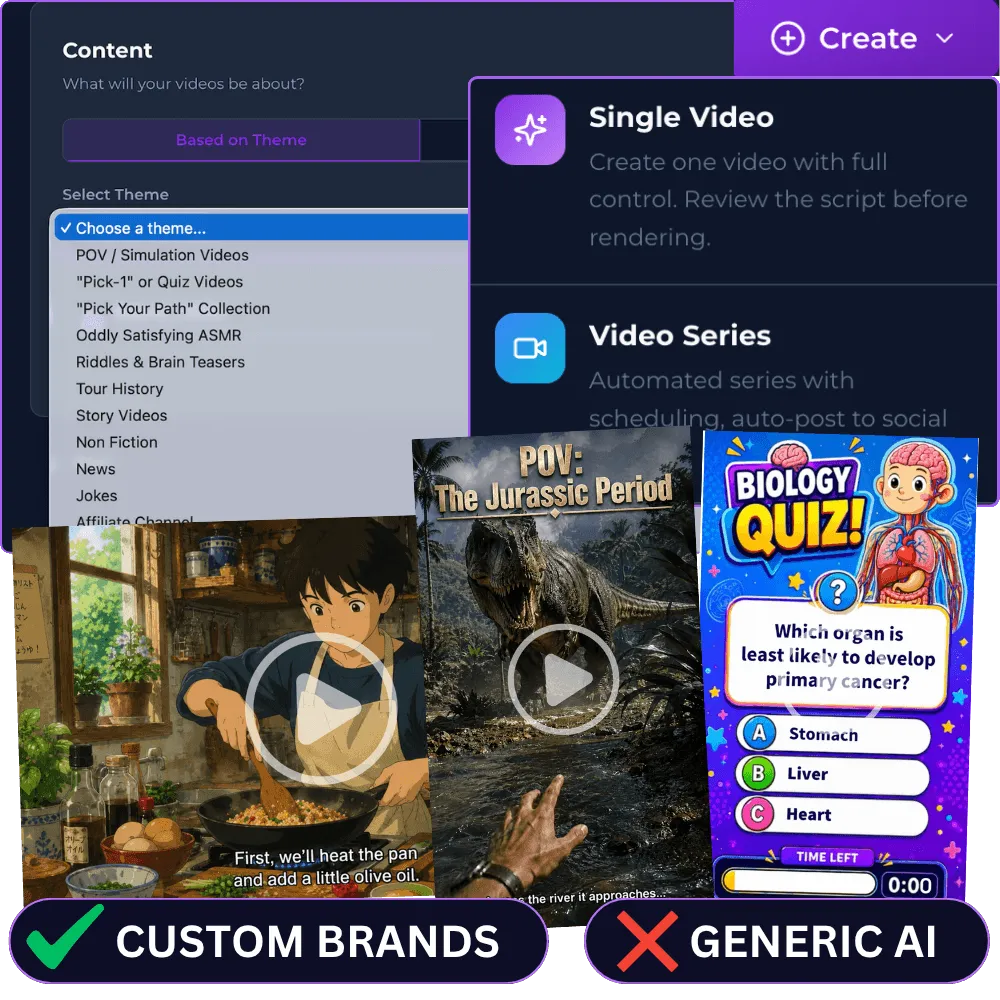
MagicFlix AI 2.0 includes tools related to monetization, such as affiliate product integration, sponsorship-related features, and content structured around promotional or educational angles rather than pure entertainment.
It’s important to be upfront here: no tool can promise you income. Whether a faceless channel makes money — and how much — depends on a long list of factors, including:
- The size and engagement of your audience
- The quality and consistency of your content
- Your niche’s overall monetization potential
- Platform-specific monetization policies and eligibility requirements
- Your traffic sources
- Conversion rates on any affiliate or sponsorship offers
- How consistently you publish over time
Some faceless channels do generate meaningful revenue through ad programs, affiliate marketing, or sponsorships. Many others don’t, particularly in the early months. MagicFlix AI 2.0 can make it easier to produce and publish content and to build monetization elements (like affiliate links or sponsor mentions) into your videos, but it doesn’t change the underlying reality that revenue is earned through audience trust and consistent value over time — not simply through publishing volume.
MagicFlix AI Pricing
MagicFlix AI 2.0 has been offered through a launch-style pricing structure with tiered plans (a lower-cost “Starter” option and a more feature-complete “Premium” option), positioned as a one-time payment rather than a recurring subscription during the promotional period.
Pricing and included bonuses for tools like this tend to change over time — sometimes within the same launch window, and often once a platform moves from an introductory offer to standard pricing. Because of that, rather than quoting a specific number here, it’s best to check the current official MagicFlix AI 2.0 offer page for up-to-date pricing, available tiers, and what’s included at each level before making a decision.
When evaluating the value, it’s worth weighing:
- How many separate tools (scripting, voice, visuals, editing, thumbnails, scheduling) it’s replacing for you
- How much time those combined tasks currently take you manually
- Whether the plan’s video/channel limits match your actual production goals
- Whether you’re comparing against paying for several standalone AI tools separately, which can add up in recurring monthly costs
Pros and Cons
| Pros | Cons |
|---|---|
| Combines scripting, voice, visuals, and editing in one workflow | AI-generated output (script, voice, visuals) often benefits from manual review and editing |
| Designed for people with no on-camera or filming setup | Automation and publishing tools don’t guarantee views, rankings, or income |
| Beginner-friendly step-by-step structure | Advanced modes (full automation, agent-based channels) have a learning curve |
| Built-in SEO/keyword and thumbnail suggestions | Thumbnail and title performance still requires testing and niche-specific judgment |
| Scheduling tools for multiple platforms | Platform-specific content requirements still need to be understood separately |
| Reduces need for several separate subscriptions | Pricing/features may change after the launch period |
Who Is It Best For?

Good fit for:
- Beginners who want a structured starting point for faceless content
- Creators who don’t want to appear on camera
- Affiliate marketers looking to build content around products or offers
- YouTube, TikTok, and Instagram creators trying to reduce production time
- Entrepreneurs exploring content automation as part of a broader content strategy
May not be ideal for:
- Creators who prefer fully manual, hands-on production and editing
- Professional video editors who need advanced, granular editing controls
- Anyone expecting guaranteed or passive income from the tool alone
- People unwilling to review and adjust AI-generated scripts, voice, or visuals before publishing
Audio2Video Unlimited Access
Is MagicFlix AI 2.0 Worth It?
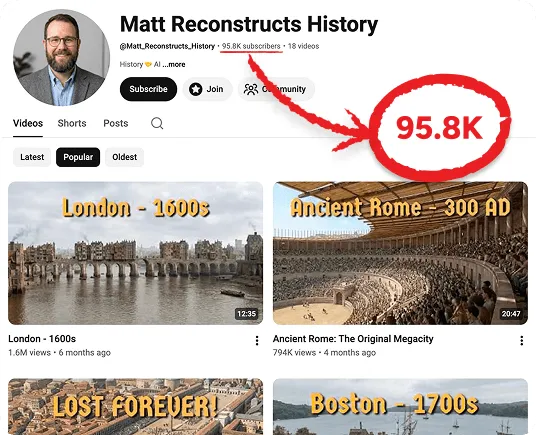
The honest answer depends on what you’re trying to solve.
If your main goal is reducing the time and friction involved in going from idea to published faceless video — without needing to learn separate scripting, voiceover, editing, and thumbnail tools individually — MagicFlix AI 2.0 may be worth considering. The combined workflow addresses a real pain point for solo creators and beginners who don’t have a production team.
However, if you need highly precise, professional-grade editing control, or you’re expecting a tool that will generate income or views without ongoing effort on your part (consistent publishing, niche research, audience-building, and content refinement), you may want to temper those expectations regardless of which platform you choose. That’s true of any AI video tool on the market, not just this one.
It’s also worth comparing MagicFlix AI 2.0 against the cost and time you’re currently spending across separate tools. If you’re already paying for a script generator, a voice tool, a stock footage subscription, and an editing app individually, consolidating into one platform could represent genuine savings — but that calculation depends on your specific setup and needs.
Final Verdict
MagicFlix AI 2.0 is built around a real problem: faceless content creation involves a lot of separate, time-consuming steps, and most creators don’t have the time or resources to master each one individually. By bringing scripting, voice, visuals, editing, thumbnails, and publishing into a connected workflow, the platform aims to reduce that friction for beginners and solo creators alike.
Its biggest strength is the all-in-one workflow structure, which can save real time compared to juggling multiple separate tools. Its biggest limitation is one shared by every AI content tool: it can speed up production, but it can’t replace the audience-building, consistency, and content judgment that actually determine whether a channel grows or monetizes.
If you’re a beginner or creator looking to simplify the mechanics of faceless video production, it’s a platform worth evaluating. If you’re expecting guaranteed views or income, it’s important to go in with realistic expectations, as no AI video creation tool can promise that outcome.
Check the current MagicFlix AI 2.0 offer, review the features and pricing, and decide whether its workflow fits the type of content you want to create.
Frequently Asked Questions
What is MagicFlix AI 2.0?
MagicFlix AI 2.0 is an AI-assisted platform for creating faceless videos, combining scripting, AI voiceovers, visuals, editing, thumbnails, and publishing tools into a single workflow.
Is MagicFlix AI 2.0 beginner-friendly?
The platform is structured around a step-by-step workflow intended to be approachable for beginners, though more advanced automation features involve a learning curve.
Can MagicFlix AI create faceless videos?
Yes, faceless video creation is the platform’s core focus, using AI-generated scripts, voiceovers, and visuals instead of on-camera footage.
Does MagicFlix AI include video automation?
Yes, the platform offers automation options for generating and scheduling content, alongside manual controls for creators who want more hands-on involvement.
How much does MagicFlix AI cost?
Pricing has been offered through tiered, launch-style plans. Since pricing and bonuses can change, it’s best to check the official MagicFlix AI 2.0 offer page for current details.
Can MagicFlix AI help with YouTube content?
Yes, the platform includes features for script creation, thumbnails, SEO suggestions, and publishing that are relevant to YouTube content, alongside other platforms like TikTok and Instagram.
Is MagicFlix AI 2.0 worth it?
It depends on your goals. If you want a consolidated workflow for producing faceless videos, it may be worth considering. If you’re expecting guaranteed income or views, it’s important to have realistic expectations, as no tool can promise those outcomes.