

Introduction
Disclosure:This article contains affiliate links. If you purchase through them, we may earn a commission at no extra cost to you. We only recommend tools we believe could be useful to our readers, and our opinions are our own.
Vertical storytelling has changed how people watch video. Short episodes, a cliffhanger at the end, and a “next episode” button that is hard to resist have turned micro-dramas into one of the fastest-growing formats online. Many viewers have already spent an evening tapping through them without thinking twice.
That is the problem Drama Studio AI is built to address. In this Drama Studio AI review, we look at what it does, how its workflow works, where it may fit, and where you should be cautious.
Drama Studio AI Frond End Price:
Use Coupon “DRAMA” to get $7 discount on the front-end (FE) offer during the launch period.

Drama Studio AI Product Overview
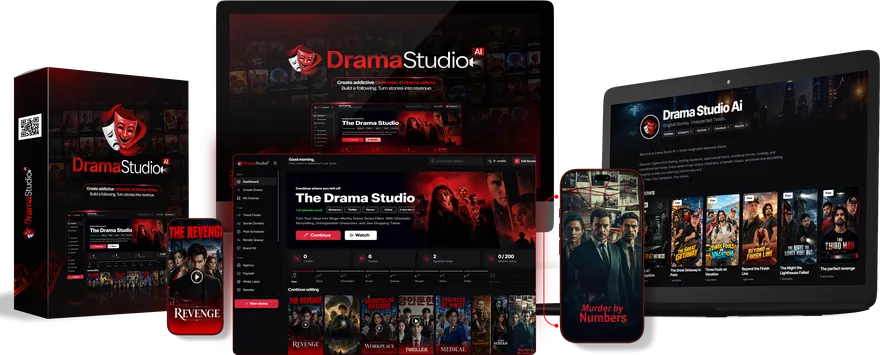
| Feature | Details |
|---|---|
| Product Name | Drama Studio AI |
| Vendor | Firelaunchers & Eric Holmlund |
| Marketplace | JVZoo |
| Niche | AI video creation and micro-drama production |
| Front-End Price | $37 one-time (launch price) |
| Higher Tiers | Pro Elite $67, Pro Unlimited $127, Agency $197, Reseller $97 (one-time) |
| Launch Pricing | The sales page says the $37 price is launch-only and the product will move to a monthly subscription later |
| Refund Policy | 30-Day Money-Back Policy |
| Technical Skills Required | None stated; the sales page says no editing, filming, or acting skills are needed |
| API Key Required | Not mentioned on the sales page |
| Delivery Method | 100% cloud-based, accessed through the browser |
| Front-End Credits | 60 credits per month, refilled for 12 months |
| Front-End Lip-Sync Limit | 5 lip-sync shots per day, 1 job at a time |
| Front-End Episode Limit | Up to 5 episodes per drama, about 30 to 60 seconds each |
| Language Support | English dramas |
| Bonuses | 15 digital bonuses (MRR or PLR), with a seller-stated value of $5,000 |
| Bundle | Click Here |
| Frontend | Click Here |
| Elite Edition | Click Here |
| Pro Unlimited | Click Here |
| Agency | Click Here |
| Reseller | Click Here |
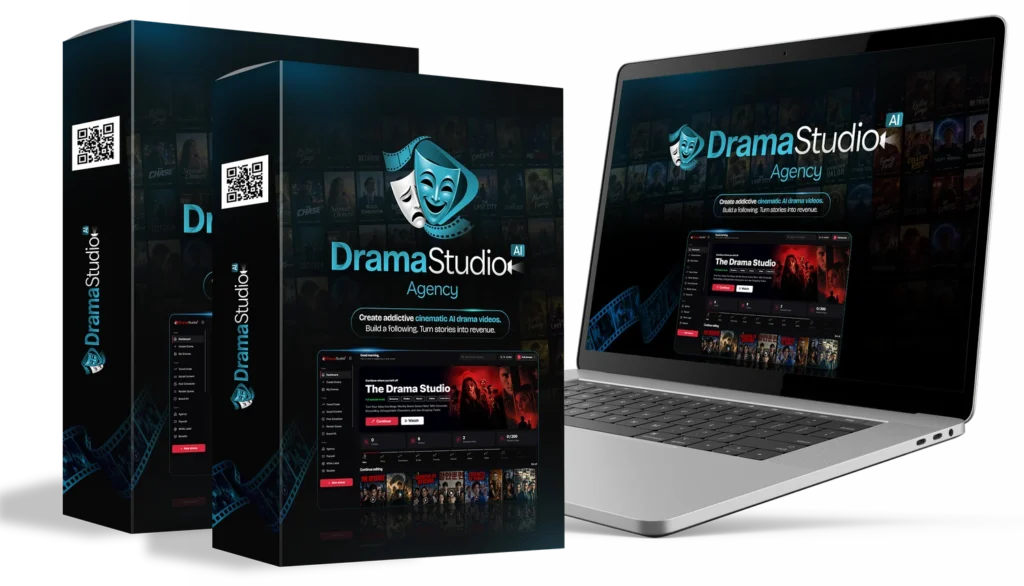
What Is Drama Studio AI?
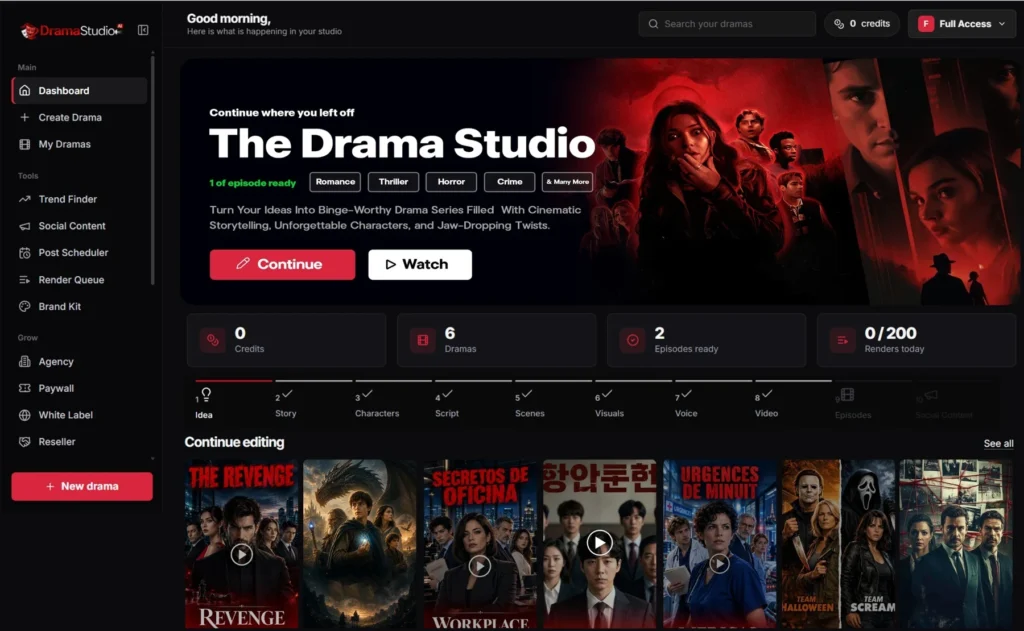
Drama Studio AI is an online AI drama studio. You describe a story in a sentence, or pick from a set of templates, and the platform helps build a short vertical series from that starting point. It creates the story outline, characters, scripts, scene images, voices, and video, then prepares captions and social posts.
Think of it as an AI Drama Generator with a production pipeline attached. The focus is not a single clip that you have to edit elsewhere. The goal is a finished, episodic series you can publish or sell.
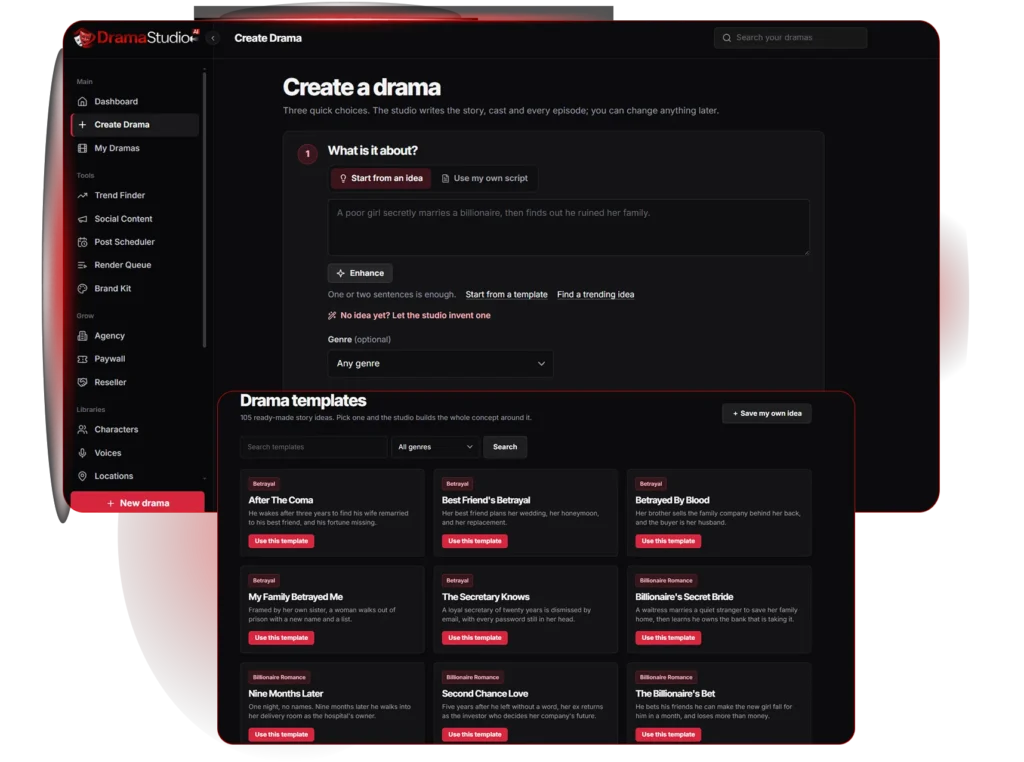
For example, you might type: “A poor girl secretly marries a billionaire, then discovers he was responsible for her family’s downfall.” From that line, the studio can propose a title, a logline, a season plan, and a cliffhanger for each episode. You then review and adjust each part before moving on.
The product is positioned as a complete AI Video Creation Tool for storytellers. Whether it fully delivers on that promise depends on your expectations, which we will cover later.
How Does Drama Studio AI Work?
The platform uses a guided 10-step workflow: Idea, Story, Characters, Script, Scenes, Visuals, Voice, Video, Episodes, and Social Content.
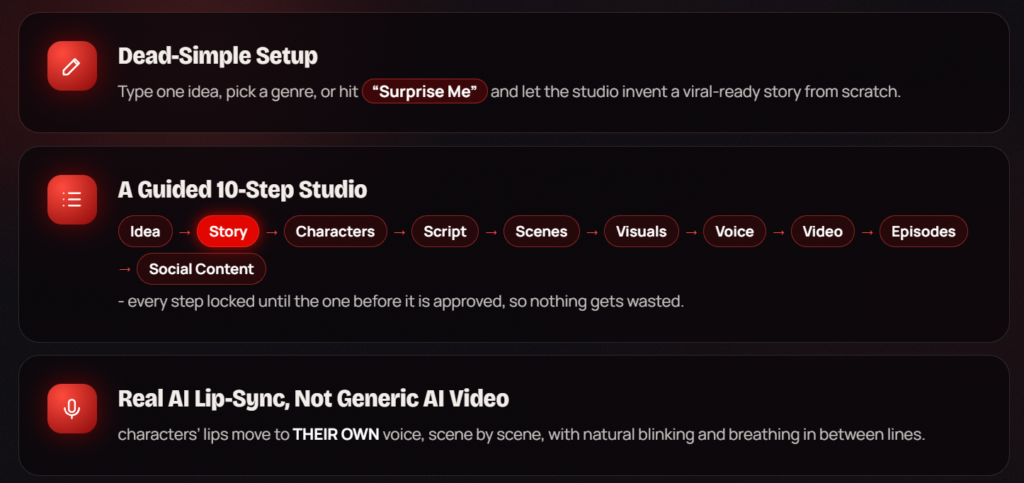
Each step unlocks only after you approve the one before it. This matters more than it sounds. Without that structure, AI tools often generate a lot of material you have to untangle later. Here, you approve the story before casting, approve the script before storyboarding, and so on.
Step by Step in Plain Language
Idea and Story: You enter a prompt, choose a genre, or use a “Surprise Me” option. The platform then creates a title, premise, target audience, and main conflict. You can edit any word.
Characters: The studio suggests a cast, complete with names, roles, ages, and motivations. You can build characters from scratch or from a single sentence.
Script: Each episode is broken into scenes with dialogue and acting directions, such as “whispering” or “furious.” Each episode is designed to open with a hook and end on a cliffhanger.
Scenes and Visuals: The script becomes individual shots. You choose camera styles, such as close-up, wide, or tracking, and the platform generates an image for each shot.
Voice: Each character gets a voice. You can pick from the studio’s library or let the platform match voices to age, gender, and personality.
Video: The platform creates lip-synced video of characters speaking their lines, or you can use animated stills to save credits.
Episodes: You preview the episode with voices, music, and captions, reorder scenes if needed, and export a vertical MP4.
Social Content: The platform generates captions, hashtags, titles, and thumbnails for each platform.
A practical example: a creator who wants a five-episode revenge story could spend an afternoon reviewing and approving each stage, rather than coordinating several freelancers. Whether the output meets their standards is a separate question, which we address below.
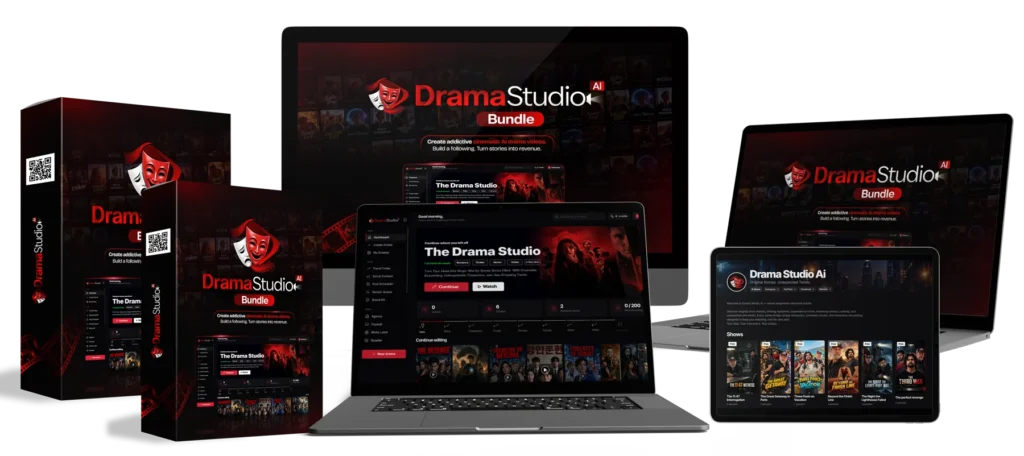
Drama Studio AI Bundle Price:
Use Coupon “DRAMA150” to get $150 discount on the Bundle Package.
Key Features of Drama Studio AI
105 Story Templates in 22 Genres
If a blank page is intimidating, templates help. The library includes 105 story templates across 22 genres, such as billionaire romance, mafia romance, revenge, horror, and family drama. You can also save your own ideas as reusable templates.
Character DNA Lock
One of the most common complaints about AI video is that a character’s face changes from shot to shot. The platform’s Character DNA Lock feature is designed to keep one approved portrait consistent across scenes and episodes. Viewers tend to stay with a series when they recognize the characters, so consistency is important. Test this carefully, because consistency is hard to guarantee in any AI system.
BingeHook Engine
The BingeHook Engine generates opening hooks in several styles, including curiosity, shock, mystery, and cliffhanger. Each hook receives a score from 1 to 100 for its attention-grabbing potential. The score is a helpful guide for choosing among options, but it is not a prediction of how an audience will respond.
TrueSync Voice Studio
TrueSync Voice Studio provides a library of voices with different tones and ages. Each character can keep the same voice across episodes, and lines can carry emotion, such as whispering or sobbing. The product also offers lip-sync, so a character’s mouth moves with their own voice.
Reusable Libraries
Once you create a character, voice, or location, you can reuse it. The platform includes character, voice, and location libraries, as well as a media library for organizing images, videos, and exports. This is useful for creators who want to build a recognizable series or run several projects at once.
Social Content Generation
The platform creates ready-to-paste captions, hashtags, and clip ideas for Instagram, TikTok, YouTube Shorts, and Facebook. You can copy each field separately, which saves time when you publish across several platforms.
Drama Studio AI Elite Price (OTO1):
What Kind of Mini Dramas Can You Create?
The genre list is broad, which is useful for testing different ideas. Here are some examples of what creators might make:
- Romance and billionaire stories: A rejected assistant discovers her boss has a secret. Romance is one of the most common micro-drama genres.
- Revenge: A betrayed character plots to take back what was stolen, with an ending that leaves viewers wanting more.
- Mafia romance: A forbidden relationship between rivals, with high stakes in every episode.
- Family drama: A long-lost sibling returns and reopens old wounds.
- Crime and mystery: A detective, a missing item, and a series of clues that unfold across episodes.
- Thriller and horror: A haunted apartment or a stranger who knows too much.
- Fantasy and comedy: Lighter stories with a playful tone, such as a mismatched roommate situation.

Each show can have up to five episodes at the entry level, with each episode running roughly 30 to 60 seconds. Higher-tier plans allow longer episodes and more episodes per drama, which is covered in the pricing section.
Publishing and Monetization Opportunities
Drama Studio AI supports three broad ways to publish your work.
Social media publishing: You can post episodes to TikTok, Instagram Reels, YouTube Shorts, and Facebook. Vertical 9:16 formatting is built in, so your videos fit each platform without reformatting.
A branded streaming channel: The platform includes a channel page where you can add your name, banner, profile picture, and links. Viewers can watch episodes in a vertical player.
Paid episodes and subscriptions: You can offer the first episode free and charge a one-time fee to unlock later episodes. The platform says payments are processed through your own Stripe or PayPal account, so the money goes directly to you.
It is important to be clear about what this means. The platform does not take a cut of your sales, according to the seller. However, Stripe and PayPal charge their own processing fees, and you are responsible for your own taxes and local regulations.
No income is guaranteed. Earnings depend on your audience, your content quality, your promotion, and many other factors. Here is a simple illustration, not a forecast: if you priced a full series at $4.99 and 100 viewers unlocked it, your gross revenue before processing fees would be $499. If only 10 viewers unlocked it, the total would be $49.90. Most creators will need time, consistent posting, and a clear audience to see meaningful sales.
Drama Studio AI – Pro Unlimited Price (OTO2):
Drama Studio AI Pricing and Plans
Drama Studio AI Pricing has several tiers. The figures below come from the seller’s sales and partner materials and may change, so confirm current prices on the official site before buying.
Drama Studio AI Frontend ($37 one-time at launch): This is the entry plan. It includes the studio workflow, templates, lip-sync shots, libraries, social content, and a starter paywall with one paid show. Limits include up to five episodes per drama, five lip-sync shots per day, and one job at a time.
Drama Studio AI Pro Elite ($67 one-time): Adds longer episodes (up to 10 per drama), more lip-sync shots per day (20), two jobs running at once, a Trend Finder, and features such as translation into 11 languages and brand kit options.
Drama Studio AI Pro Unlimited ($127 one-time): Allows up to 25 episodes per drama, up to three minutes per episode, 50 lip-sync shots per day, and three jobs at once. It also adds a post scheduler, comment tools, and a fuller paywall channel with multiple currencies and a custom domain.
Drama Studio AI Agency ($197 one-time): Designed for people managing client work. It supports up to 25 client accounts, credit management per client, and reporting on each client’s activity.
Drama Studio AI Reseller ($97 one-time): Lets buyers refer others and receive a higher commission on referred front-end sales, according to the partner materials. This option is aimed at marketers, not typical creators.
The sales page also states that the $37 price is a launch-only offer and that the product will later move to a monthly subscription. If you are considering a purchase, that is worth factoring into your decision. The sales page also includes a 30-day money-back policy, and you should read its terms before buying.
Drama Studio AI Bonuses
All 15 bonuses are digital resources, most offered with either Master Resell Rights (MRR) or Private Label Rights (PLR). Those licenses matter if you plan to sell or redistribute the materials, so check each bonus’s license terms before doing so. The seller lists a combined “suggested value” of $5,000. That figure is the seller’s estimate, not an independent market price.
Story and Script Bonuses
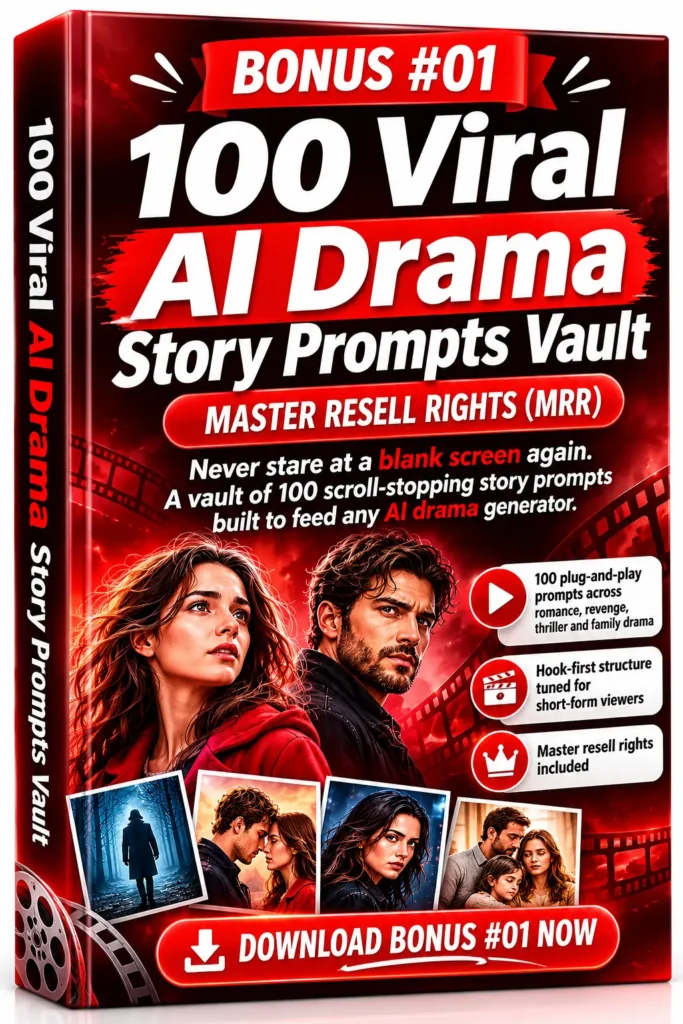
Bonus #01: 100 Viral AI Drama Story Prompts Vault (MRR)
A collection of 100 ready-to-use prompts covering romance, revenge, thriller, and family drama. Each prompt is meant to be a starting point for a short-form story, with hooks and story concepts included. This is most useful for creators who struggle to come up with ideas. Example: a prompt might give you a premise like “a hired nanny discovers the child’s father is hiding a secret,” which you can then develop in the studio.
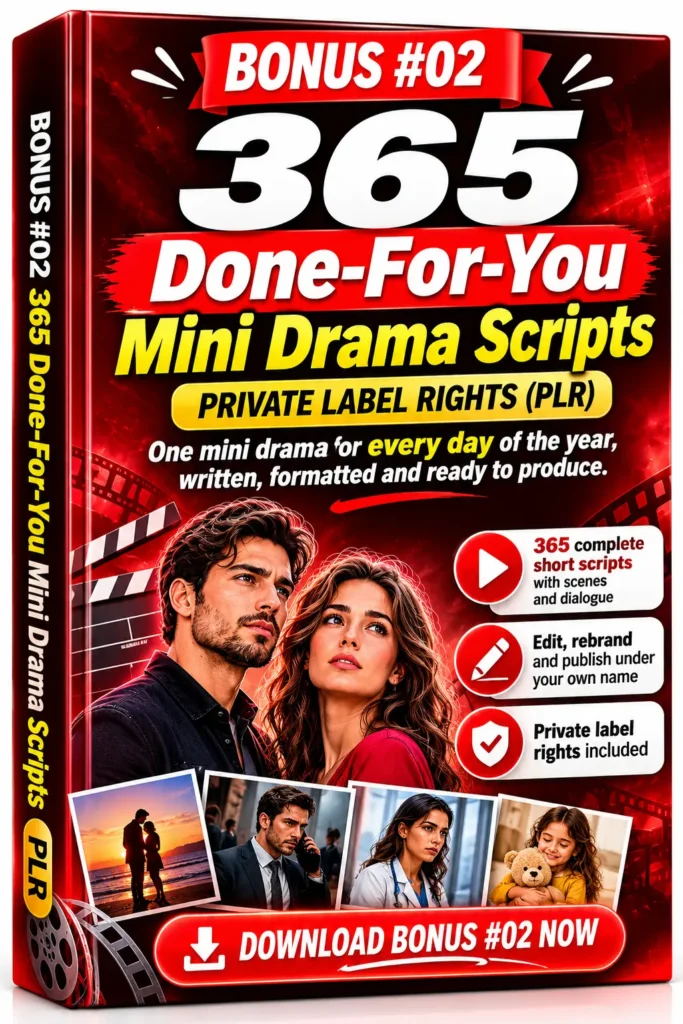
Bonus #02: 365 Done-For-You Mini Drama Scripts (PLR)
A set of 365 short scripts with scene-by-scene structure and dialogue. The main value is a steady supply of starting material for daily posting. You will likely need to adapt the dialogue, characters, and pacing to match your own series and the studio’s style.
Bonus #03: 100 Ready-Made AI Drama Series Blueprints (PLR)
Series blueprints that include character profiles, episode maps, and season arcs, organized by genre. These are useful if you want to plan a multi-episode series rather than a single story. Example: a blueprint might map out a five-episode arc with a twist in episode three and a finale that sets up a sequel.

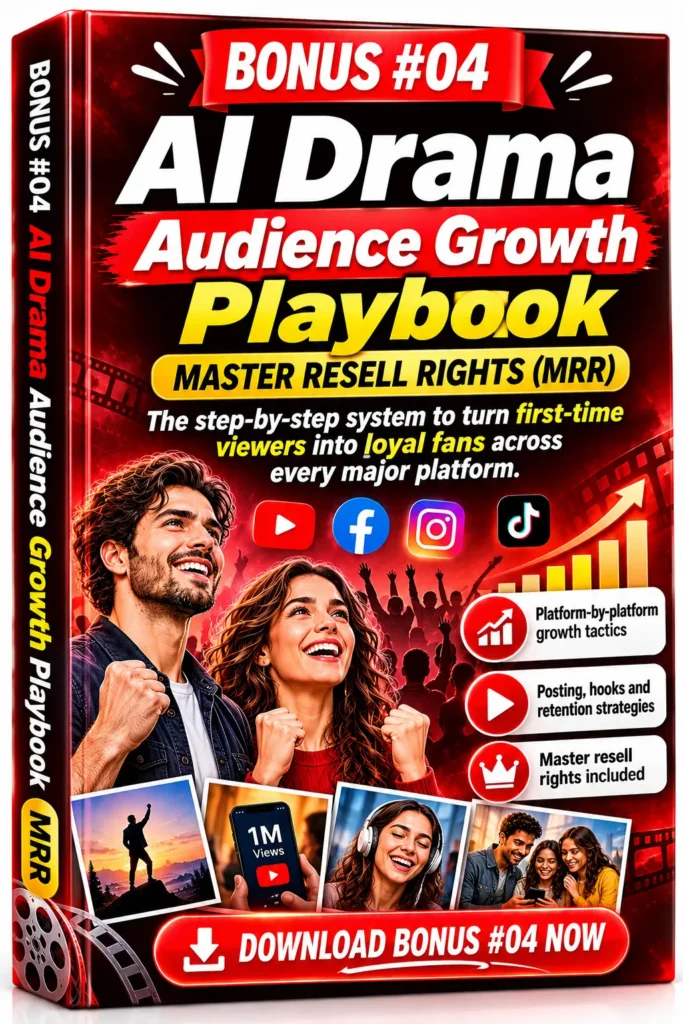
Bonus #04: AI Drama Audience Growth Playbook (MRR)
Platform-by-platform tactics for posting, hooks and titles, viewer retention, and engagement. It is a general growth guide rather than a guarantee of results. Expect advice you may already see from other creator resources, so treat it as a checklist to adapt.
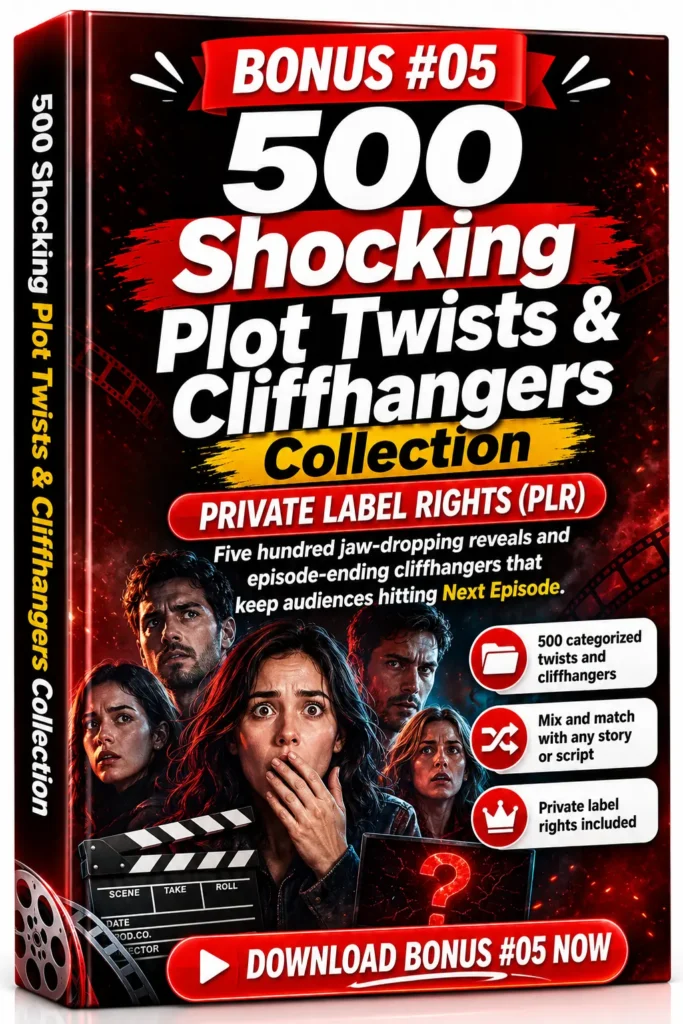
Bonus #05: 500 Shocking Plot Twists & Cliffhangers Collection (PLR)
A categorized list of 500 twist and cliffhanger ideas, covering betrayal, suspense, and emotional reveals. Because micro-dramas depend on episode endings, this can help you write stronger closing moments. Adapt the ideas to your genre rather than copying them directly.

Bonus #06: 30-Day AI Drama Channel Launch Challenge (PLR)
A 30-day roadmap with daily tasks covering channel setup, branding, content planning, and launch activities. This suits creators who want structure. The main benefit is consistency, since the challenge breaks the process into small steps.
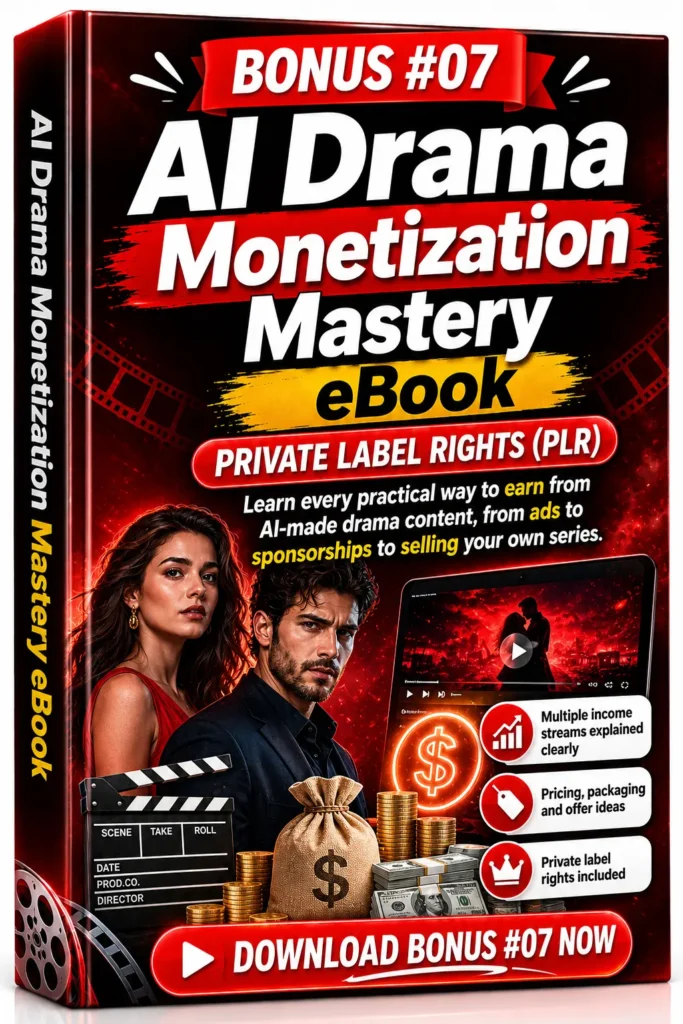
Bonus #07: AI Drama Monetization Mastery eBook (PLR)
Covers monetization ideas such as sponsorships, digital products, pricing, and packaging. Read this alongside your own research, since monetization approaches change and depend heavily on your audience and local rules.

Bonus #08: AI Drama Scriptwriting Masterclass (MRR)
Lessons on story structure, character development, dialogue, pacing, and prompting techniques for better AI scripts. This is one of the more educational bonuses, especially for beginners who want to understand why some scripts work and others don’t.
Bonus #09: AI Drama Agency Business Starter Kit (PLR)
Includes service package ideas, client pitch templates, onboarding resources, pricing guides, and outreach scripts. It is aimed at people who want to offer AI drama production to brands or clients. Pricing guides should be checked against your own market and costs.

Bonus #10: 90-Day Viral Drama Content Calendar (MRR)
A three-month calendar with content ideas, themes, formats, and a posting rhythm. It removes some of the planning burden, though you will still need to adapt ideas to your niche and watch what performs.
Bonus #11: Short Video HTML Template (PLR)
A responsive HTML page for showcasing short videos. It is useful if you want a simple landing or portfolio page for your content. Basic web editing knowledge will help.
Bonus #12: Film & Video Production HTML Bootstrap (PLR)
A multi-section website template built on Bootstrap, aimed at studios and creative businesses. It can serve as a starting point for a company website, though you will need to customize the content and branding.
Bonus #13: Drama Cinematic Movie Poster Bundle (PLR)
Ready-to-use poster designs suited to thumbnails and social posts. These can help your series look more polished. Check whether the designs include any licensed or third-party elements before using them commercially.

Bonus #14: Short-Drama Streaming Mobile App (PLR)
Described as an app source package and concept for a short-drama streaming experience with customizable branding. This is a technical asset, so it is best suited to people with development skills or a developer to work with. Expect to invest time and possibly money to get it running.
Bonus #15: AI Art Generator Website (PLR)
A website package for an AI artwork destination with customizable branding and content. Like the streaming app, it is a development project rather than a plug-and-play tool. It is more relevant to people building a separate online business than to drama creators.ally use. Also, check the license terms of each bonus before reselling or distributing anything, as resell rights vary.

Drama Studio AI – Agency Price (OTO3):
Who Should Use Drama Studio AI?
Drama Studio AI may suit several types of people:
- Beginner creators who want to test whether they enjoy storytelling in video without learning editing software.
- Writers who want to see how a plot works as a short series before writing a longer work.
- Faceless channel owners who prefer not to appear on camera.
- Small businesses and coaches who want to tell a brand story in a narrative format.
- Agencies that produce social content for clients, particularly if they need consistent output at volume.
- Digital marketers interested in using free episodes as a traffic source, though this takes testing.
It may be less suitable if you need highly polished, cinematic output for broadcast, or if you expect a hands-off income stream. The tool reduces production work, but it does not replace planning, audience-building, or quality control.
Pros and Things to Consider
After reviewing the materials, here is a balanced view.
What looks promising:
- The guided workflow helps prevent wasted work.
- Templates and genre options lower the barrier to starting.
- The combined pipeline, from script to posts, saves coordination time.
- Vertical formatting and social content generation are useful for short-form publishing.
- Paid-episode features give creators a path beyond ad revenue or views.
What to consider carefully:
- Usage limits matter. The entry plan restricts lip-sync shots, episode length, and concurrent jobs. Heavier users may need a higher tier.
- AI output quality varies. Facial consistency, voice emotion, and lip-sync will not be perfect in every shot. Test with your own story before committing.
- Many of the claims are from the seller. Features such as Character DNA Lock and TrueSync are described in sales materials. Your results may differ.
- Audience growth takes effort. A tool can make episodes, but it cannot make people watch them. You will still need to post consistently, study what works, and engage with viewers.
- Language and content limits. Confirm current language support and content policies, since some features may apply only to certain languages or content types.
- Payments and taxes are your responsibility. Payment processors charge fees, and you should understand the tax rules where you live.
Drama Studio AI – Reseller Price (OTO4):
Final Verdict
Drama Studio AI is a serious attempt to turn a story idea into a finished, publishable vertical series inside one browser-based workspace. For people who have wanted to try micro-dramas but found production too complicated, it offers a clear path to test the idea.
It is not a shortcut to guaranteed income. The value depends on your story quality, your willingness to review AI output, your posting consistency, and your ability to build an audience. The bonus package and value estimates should be treated as extras, not reasons to buy on their own.
If you are interested in AI-assisted storytelling and want to see how far a guided studio can take your idea, it is worth exploring. Start with the entry plan if you are unsure, and make sure you can test your first episode before investing more time or money.
Call to Action
Ready to see how the workflow feels? Visit the official Drama Studio AI website using our link: Get Instant Access. Watch the demonstration video to see the studio in action, then review the current offer, pricing, and terms before you decide.
If you try it, create one short episode first. Your first result will tell you more about whether the tool fits your goals than any review can.
Disclosure reminder: This article contains affiliate links. Results vary, and no income is guaranteed.